How to keep stock records in a small business
What to record for every item, how to receive goods and run cycle counts, how to set a reorder point with a worked example, and the stock mistakes to avoid.
7 min read
Keep reliable stock records with a clear product identity, a record of every movement and regular physical counts. Separate goods on the shelf from goods available to sell. This guide covers receiving, reservations, reorder examples and the discrepancies a small shop should investigate.
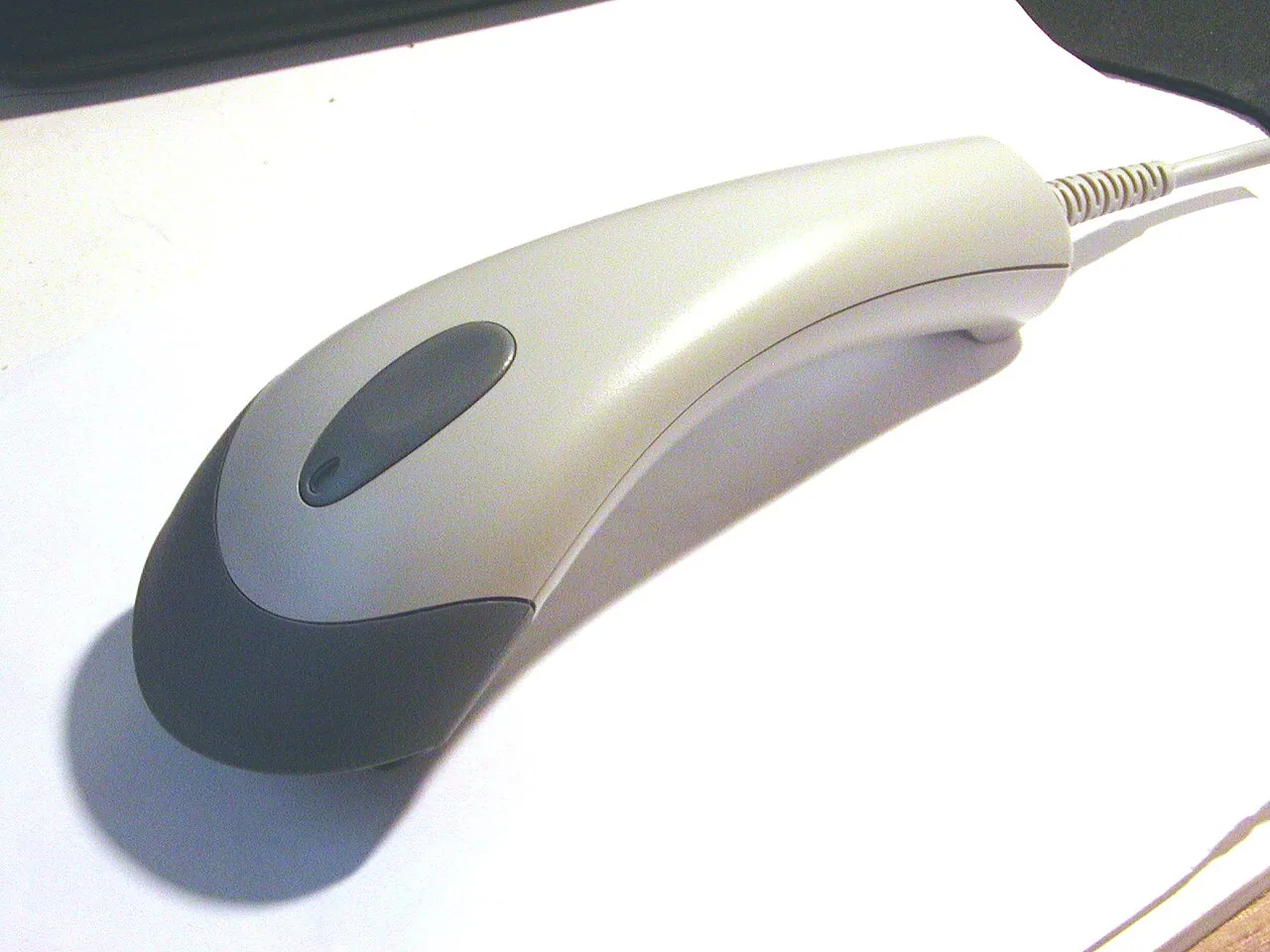

What to record for each item
Every product you buy and sell needs its own record. If two sizes or colours are sold separately, they are two separate items.
| Field | Why it matters | Example |
|---|---|---|
| SKU | Identifies the item without ambiguity | MUG-WHT-350 |
| Name and variant | Anyone on the team can recognise it | Ceramic mug, white, 350 ml |
| Barcode (if any) | Scan on receiving and at the till | 5012345678900 |
| Unit of measure | Pieces, boxes or kilos | piece |
| Location | Find it quickly when counting or picking | Shelf B, level 2 |
| Supplier and lead time | Needed to plan reorders | Northern Ceramics, 7 days |
| Unit cost (excl. VAT) | Margin and stock value | €3.20 |
| Selling price (excl. VAT) | Margin | €9.00 |
| Quantity on hand | What you actually have | 42 |
| Reorder point | When to buy again | 38 |
Use the same SKU everywhere: in the shop, on your web store, on marketplaces and on purchase orders. Using two names for the same product can make reconciliation harder.
Receiving goods
Receiving is where errors slip in most easily, because it is done in a hurry. A simple procedure:
- Check the delivery note against your purchase order before signing: items, quantities, prices.
- Count what physically arrived, not what the paperwork says. Note any shortages or damage and tell the supplier the same day.
- Book the receipt with the actual quantity, the date and the unit cost.
- Put the goods in their location before making them available for sale.
If an order arrives in part, book only what you received and keep the rest open as outstanding. That way you never sell stock you do not yet have.
Counting: full stocktakes and cycle counts
However carefully you log movements, recorded and real stock drift apart: breakages, picking errors, returns that were not booked, theft. The only way to catch it is to count.
Full stocktake
Count everything at once, usually with the shop closed. Useful once or twice a year, but if it is your only check, errors pile up for months before you see them.
Cycle counting
Count a slice of your range every week so that every item is counted several times a year. A practical split:
- A items (the ones that move the most money, often around a fifth of your range): every 2–4 weeks.
- B items: every 1–2 months.
- C items (slow movers): every quarter.
When you find a difference, write down the likely cause as well as the correction. Fixing the number without looking for the cause just hides the problem.
Setting a reorder point, with a worked example
The reorder point is the stock level at which you place the next order so you do not run out while waiting for delivery. The basic formula:
Reorder point = average daily sales × lead time (days) + safety stock
Safety stock covers busier-than-usual days and late deliveries.
Worked example
You sell the white 350 ml mug:
- Over the last 4 weeks (28 days) you sold 112 units, so 4 units a day on average.
- Your supplier takes 7 days to deliver.
- You want a buffer of 10 units of safety stock (about two and a half days of sales).
Reorder point = 4 × 7 + 10 = 38 units. To work it out for your own products, use the free reorder point calculator.
When stock of that mug drops to 38, you place the order. Over the 7-day wait you sell about 28, so when the delivery arrives you still have about 10 on the shelf.
For illustration, a steady demand of four units per day consumes 4 × 14 = 56 units between fortnightly orders. This is cycle demand, not a universal purchase quantity. Check stock on hand, reservations, open purchase orders, lead time and the replenishment policy before deciding how much to buy; also account for supplier case sizes.
Revisit these numbers monthly or each season: a summer average will mislead you in November.


FIFO or average cost, in plain terms
When you buy the same product at different prices, you need to decide which cost goes with each sale. The two most common methods:
- FIFO (first in, first out): units sold are costed at the price of the oldest purchases still in stock.
- Weighted average cost: every unit in stock carries the same cost, the average of what you paid.
Example: you buy 10 units at €5.00, then 10 more at €6.00. You sell 12.
| FIFO | Average cost | |
|---|---|---|
| Cost of the 12 sold | 10 × €5.00 + 2 × €6.00 = €62.00 | 12 × €5.50 = €66.00 |
| Value of the 8 left | 8 × €6.00 = €48.00 | 8 × €5.50 = €44.00 |
The total is the same (€110); what changes is how it is split between goods sold and goods remaining. For day-to-day management, what matters most is using one method consistently. Which method to use in your accounts is a question for your accountant.
Once you know the cost of each sale you can see your real margin. For quick sums, try the free margin calculator.
Common mistakes
- Recording sales but not returns, breakages or samples. Recorded stock drifts and nobody knows why.
- Several people noting changes in different places. A notebook at the till and a file on the laptop soon disagree.
- Updating stock “at the end of the day” or “on Monday”. Meanwhile your web store sells something that is no longer there.
- Ignoring variants. “Mug: 40” does not tell you that the blue ones are sold out.
- Correcting differences without noting the cause. You lose track of theft, picking errors or supplier shortfalls.
- Valuing stock at selling price. Stock is valued at what you paid for it.
A simple weekly routine
One hour a week, on the same day each week:
- Check open receipts: is everything that arrived booked? Any part-deliveries or supplier issues still open?
- Do this week’s cycle count (for example 20–30 SKUs) and record differences and causes.
- List items below their reorder point and prepare purchase orders.
- Look at items with no sales in the last 8–12 weeks: candidates for a promotion or for dropping.
- Check that your sales channels agree: reconcile each channel’s published available quantity against the master stock record, allowing for reservations, channel allocations and safety buffers.
If you run all of this in a spreadsheet and it is starting to strain, read when a spreadsheet is enough and when to move to inventory software.
Keeping it in one place
This method works on paper, in a spreadsheet or in software. What helps most is having purchases, receiving, stock and sales connected in a single record.
Keep reading

Reorder point and safety stock for a small shop
How much safety stock does a small shop need? A worked example with weekly sales and lead times, a quick rule and a statistical method.
Why a small business needs a CRM and what to track in it
A CRM is your shared memory of customers. See when a small online seller needs one, which few fields and metrics to track, and what to skip.
How to choose a CRM for a small business
What a CRM is really for, signs you need one, must-haves vs nice-to-haves, questions to ask before buying, a cost example and a two-week trial plan.
Photos and illustrations
- Reorder point and safety stock for a small shop. Original illustration drawn in code by the UBC editorial team; no third-party material. CC0 1.0. Not a photograph of UBC premises or equipment.
- Why a small business needs a CRM and what to track in it. Original illustration drawn in code by the UBC editorial team; no third-party material. CC0 1.0. Not a photograph of UBC premises or equipment.
- How to choose a CRM for a small business. Workflow illustration; not a photograph of UBC premises or equipment. Plantronics headset.jpg — Petey21; Hohum / Wikimedia Commons — CC0 1.0. Resized and converted to WebP.
