Why a small business needs a CRM and what to track in it
A CRM is your shared memory of customers. See when a small online seller needs one, which few fields and metrics to track, and what to skip.
7 min read
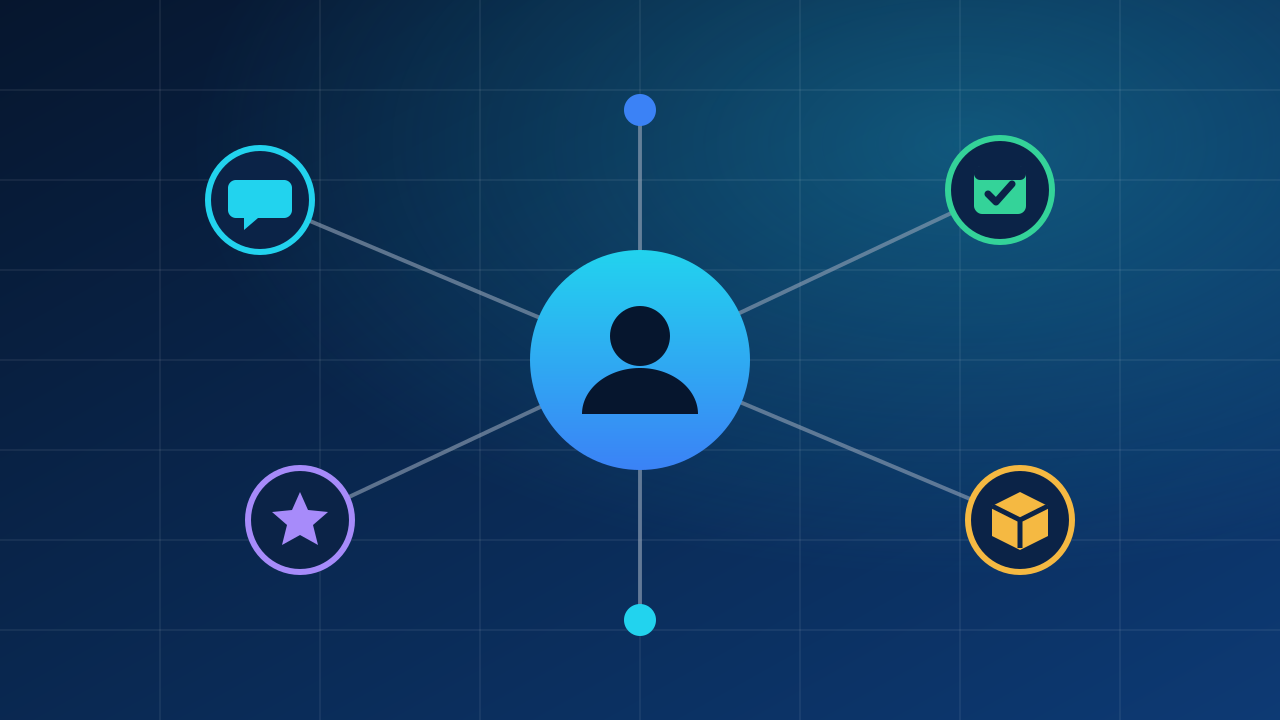
A small business needs a CRM (customer relationship management system) as soon as customer knowledge lives in people’s heads, inboxes and chat apps instead of one shared place. Its job is simple: so that anyone on your team can see who a customer is, what they bought, what was promised, and what happens next. It does not need to be big. A short list of well-kept fields beats a hundred empty ones.
If you already know you want one and need to compare options, read how to choose a CRM for a small business. This article answers the earlier questions: do you need one, and what should be in it?
Signs you have outgrown the notebook and the inbox
- You answer “did we already reply to this customer?” by searching three places.
- A colleague takes over a customer and has to ask you for the background.
- A wholesale or repeat buyer waits because the message was buried.
- You promised a callback, a quote or a replacement, and the promise exists only in someone’s memory.
- You cannot say how many of last quarter’s buyers bought again.
- A person leaves or is on holiday, and part of the business leaves with them.
One or two of these is normal. If most of them sound familiar, a shared record will repay the effort.
A special case: customers from marketplaces
If most of your orders arrive through marketplaces, you may think there is nothing to put in a CRM. Often the marketplace controls the conversation and what you can do with buyer details. Read each marketplace’s seller terms and your local data-protection rules before you copy buyer data or contact buyers outside the platform.
What you can usually keep, and should: your own notes about problems and solutions on specific orders, product questions that keep coming back, and wholesale or repeat customers who contact you directly (through your own website, email, phone or messaging). A CRM is still useful for the part of the business that you own.
What to track: the short list
Start with what answers a real question. For a small online seller, that is usually:
| Field | Question it answers |
|---|---|
| Name, company (if any), preferred language | Who are we talking to? |
| Contact channels | How do we reach them, and where did they write? |
| Source | Where did this customer come from: website, marketplace, referral, event, advert? |
| Orders and dates | What did they buy and when? |
| Conversation log | What was said, by whom, on which channel? |
| Open promise or next step, with a date | What do we owe them, and by when? |
| Status | Lead, quote sent, customer, repeat customer, inactive |
| Notes on needs | Sizes, preferences, delivery constraints, special terms |
| Consent | What have they agreed to receive (for example marketing emails), and when? |
Resist adding more until a field has an owner and a use. Every required field is a reason to skip logging.
The one habit that matters: a next step with a date
A CRM does not create sales; it prevents forgotten follow-ups. For every open conversation, record the next action and its date: “send the quote on Thursday”, “ask whether the replacement arrived”. A daily look at “what is due today” is the main value of the whole system.
A simple pipeline for an online seller
You do not need ten stages. Four or five are enough:
- New enquiry: someone wrote or asked for a price.
- In conversation: you are discussing needs and options.
- Quote or offer sent: the ball is in their court.
- Won or lost: with a one-line reason for lost deals.
- Repeat or inactive: a customer who has not bought for a period that makes sense for your products.
The one-line reason for a lost deal (price, delivery time, no stock, no reply) is worth more than any report after a few months.
Metrics worth looking at
Keep it to a few numbers you can calculate honestly.
- Response time to new enquiries. Measure the median in hours, by channel.
- Conversion of enquiries to orders: orders ÷ enquiries over the same period.
- Repeat purchase rate: customers who bought at least twice ÷ all customers in a period. Example: if 240 customers bought in the last twelve months and 60 of them bought more than once, your repeat rate is 25%. The numbers are fictional; calculate yours.
- Revenue and profit per customer over time. Profit matters more than revenue: see how to calculate the real profit per product.
- Reasons for lost deals counted by category.
- Overdue follow-ups. Should be zero at the end of each day.
Avoid score systems, forecasts and dashboards until you have several months of clean data. Their output is only as good as the notes behind it.

Customer data: keep it small and defensible
Personal data brings obligations. Rules differ by country; in the European Union, the General Data Protection Regulation applies to many businesses that handle EU residents’ data. The European Commission has an overview of data protection for businesses. In practice, good habits are:
- Store only what you use.
- Know why you hold each category of data and for how long.
- Record consent for marketing messages separately from the order itself.
- Give each person only the access they need, and remove access when someone leaves.
- Be able to find, export and delete a customer’s record when they ask.
This is general information, not legal advice. For your situation, ask a qualified adviser.
Where stock and orders fit in
For a seller of physical goods, the CRM becomes much more useful when it can see orders and stock. “Is my item coming back in stock?” is a customer question that needs both. The UBC site lists customers, leads, pipeline, messages and interaction history among its capabilities; see the capabilities page for what is available. Whatever tool you use, check it against the list above before you commit.
How to start this week
- Write down the three questions you most often cannot answer about customers.
- Pick the fields from the table above that answer them. Not more.
- Move your active customers (not your whole history) into one place and clean duplicates.
- Agree who logs what, and that every open conversation has a next step with a date.
- Review after four weeks: what do people actually fill in? Remove the rest.
Spreadsheets can do this at the beginning. When several people need to work at once, or the sheet no longer shows who is waiting for what, it is time to move.
Useful tip. End every working day with one habit: open the list of overdue next steps and either do each one or move it to a new date.
Frequently asked questions
Do I need a CRM if I work alone? With few customers and a good memory, a spreadsheet is enough. A CRM pays off when a second person joins or enquiries outgrow what you can remember.
Which customer data may I record? Only what you need for the work, observing local data-protection rules and marketplace terms.
What does a CRM do that a spreadsheet does not? Shared access, conversation history and reminders for the next step. If your spreadsheet does these, there is no hurry to move.
Keep reading
Reorder point and safety stock for a small shop
How much safety stock does a small shop need? A worked example with weekly sales and lead times, a quick rule and a statistical method.
How to choose a CRM for a small business
What a CRM is really for, signs you need one, must-haves vs nice-to-haves, questions to ask before buying, a cost example and a two-week trial plan.
Spreadsheet or inventory software: when to switch
When a spreadsheet is enough to track inventory, the concrete signs it is time to move to software, and a checklist for choosing an inventory system.
Photos and illustrations
- Reorder point and safety stock for a small shop. Original illustration drawn in code by the UBC editorial team; no third-party material. CC0 1.0. Not a photograph of UBC premises or equipment.
- How to choose a CRM for a small business. Workflow illustration; not a photograph of UBC premises or equipment. Plantronics headset.jpg — Petey21; Hohum / Wikimedia Commons — CC0 1.0. Resized and converted to WebP.
- Spreadsheet or inventory software: when to switch. Workflow illustration; not a photograph of UBC premises or equipment. ThinkPad T430 (keyboard).jpg — Vitaly Zdanevich / Wikimedia Commons — CC0 1.0. Resized and converted to WebP.

