Managing your business in one system
What scattered tools really cost, what one system should mean, how to move products, sales and customers step by step, and how to avoid getting locked in.
6 min read
A single business system is useful when it removes repeated entry and makes responsibilities clearer. Map how purchases become stock, orders and payments before replacing your tools. Check the complete workflow, data access and exports in a small trial before moving live operations.

What scattered tools cost
Most small businesses grow their tools one at a time: a web shop, a stock spreadsheet, a contact list, a marketplace account, an accounting program. Each works on its own. The cost appears in the gaps between them:
- Re-typing. The same order is entered in the shop, then in the stock sheet, then the customer goes into a contact list.
- Numbers that do not match. The shop says 12 in stock, the spreadsheet says 9, the shelf has 10. Someone has to find out why.
- No single view of a customer. What they bought, what they returned and what they asked last week live in different places.
- Slower decisions. Weekly figures need copying and pasting before anyone can read them.
Worked example: hours lost to the gaps
Illustrative figures for a shop with 300 orders a month, using the assumption that an hour of staff time costs the business €20 (use your own figure).
- Copying each order into the stock sheet takes 2 minutes and adding the customer to the contact list 1 minute: 300 × 3 = 900 minutes, 15 hours a month.
- Reconciling stock and sales figures takes 2 hours a week: 2 × 4 = 8 hours a month.
- Total: 15 + 8 = 23 hours a month, or 23 × €20 = €460 a month, €5,520 a year.
If orders update stock and customer records automatically, the re-typing disappears and reconciliation drops to a quick check of, say, 30 minutes a week, 2 hours a month. Hours saved: 23 − 2 = 21 hours a month, worth 21 × €20 = €420. Check: 2 hours remaining × €20 = €40, and €460 − €40 = €420. This leaves out the harder-to-price cost of selling items you do not have, which also falls when stock is shared. Set the saving against the cost of the new system and the time to move to it.
What “one system” should mean
One system does not have to mean one screen for everything. It should mean:
- One record per product. One code, one cost, one stock figure, used by every sales channel.
- One record per customer. Orders, returns and notes attached to the same person or company.
- Data entered once. A purchase received updates stock; a sale lowers it and appears in the customer’s history.
- Reports from the same data. Sales, stock value and margin come from records, not from copies.
If you still need to retype figures between two parts of the “one system”, it is not doing the job.
What you gain by linking each area
| Area | Typical tool today | What you gain by linking |
|---|---|---|
| Purchasing | Emails and supplier spreadsheets | Goods received update stock; you know the real cost of each product |
| Stock | A spreadsheet | One stock figure for every channel, fewer counts that disagree |
| Sales | Web shop, marketplace panels, till | Each sale lowers stock without retyping |
| Customers | Email contacts, a separate contact tool | A full history per customer in one place |
| Finance figures | Bank, accountant’s program | Clean sales and purchase totals to hand to your accountant |
With costs and sales in the same place, checking your break-even point or a product’s margin takes figures you already have instead of a new spreadsheet.
How to migrate, step by step
1. Products and stock
Start here, because everything else refers to products. Clean the list first: remove duplicates, give each item one code, fix units and costs. Then do a full count and load the counted figure, not the spreadsheet one. If you are still deciding whether you need software at all, read spreadsheet or inventory software.
2. Sales
Connect one sales channel at a time, starting with the one with the most orders. Run old and new side by side for a week or two and compare stock after each day. Only switch off the old process when the figures match.
3. Customers
Merge contact lists, remove duplicates and keep only the data you actually need. Bring over purchase history if you can. If you are choosing a customer tool at the same time, our guide on how to choose a CRM lists the questions to ask.
4. Purchases and finance figures
Record purchases and goods received in the same system, so costs and stock stay linked. Agree with your accountant what they need from you and in what format.
Pick a quiet month for each step, not your busiest season.


Export your data and avoid lock-in
Before you commit, check that you can get your data out:
- Can you export products, stock, sales and customers as plain files (for example CSV) at any time, without asking support?
- Does the export include history, not just current figures?
- Does the contract say the data is yours and how long you can retrieve it after cancelling?
Do a test export during the trial and open it in a spreadsheet. Keep a monthly copy of your own. A system you cannot leave is a risk, however good it is today.
Keep your accountant’s tools
Bringing operations into one system does not mean replacing your accountant’s software or their way of working. Ask them which exports they want (sales by period, purchases, stock value at year end) and how often. Tax and accounting questions stay with them.
Risks and how to reduce them
- Losing data during the move. Back up every old tool before you start and keep the old files read-only for a while.
- Wrong mapping. Fields that look the same may mean different things (price with or without tax, units or boxes). Check a sample of records by hand.
- Staff who keep the old habits. Name one person responsible, show everyone the new steps and switch off the old spreadsheet once the new one is trusted.
- Everything depends on one tool. Keep exports, know who has access and what happens if the service is down for a day.
- Moving too much at once. One area at a time is slower on paper and faster in practice.
Fewer tools also means fewer manual handovers to automate; see how to automate repetitive tasks in a small business.
Keep reading
How to use AI in a small shop
Realistic ways a small shop or online seller can use AI today, what a person must still check, privacy risks, a one-week plan and how to measure time saved.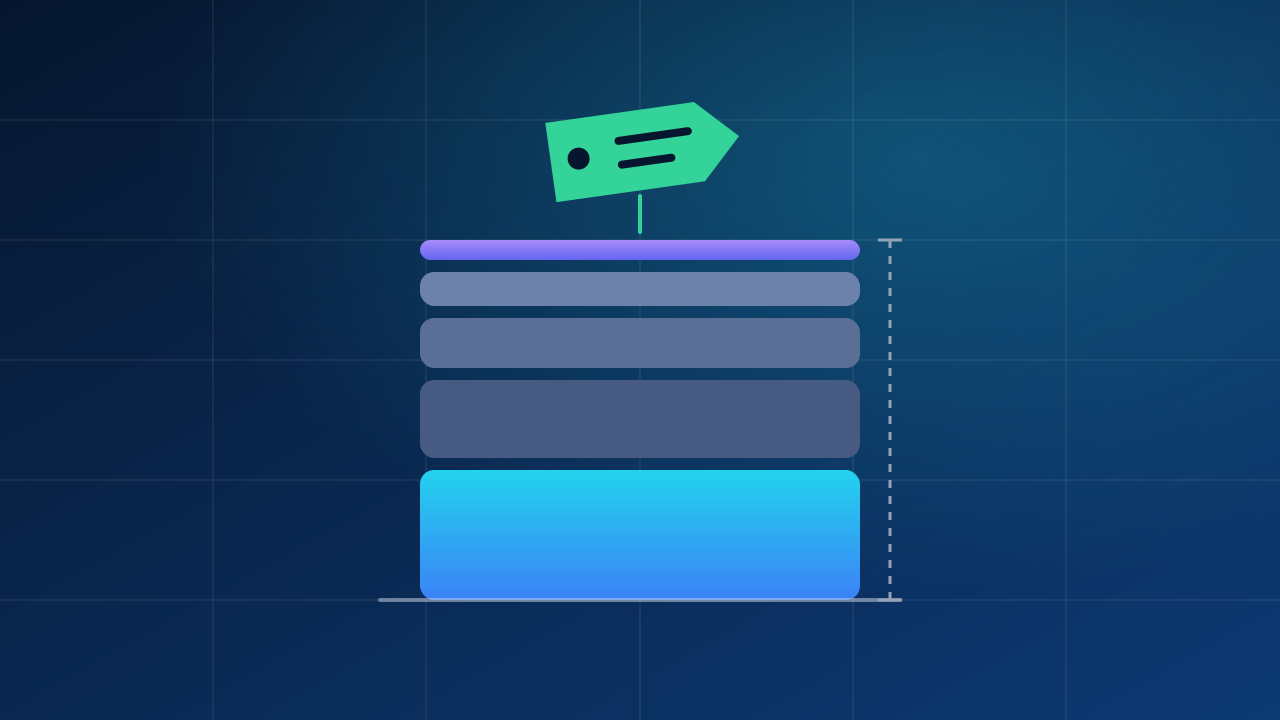
Full cost per product: what goes into it and how to calculate it
Work out the real cost of each unit before you set a price: freight, customs, labelling and preparation, with a worked example and three ways to split shared costs.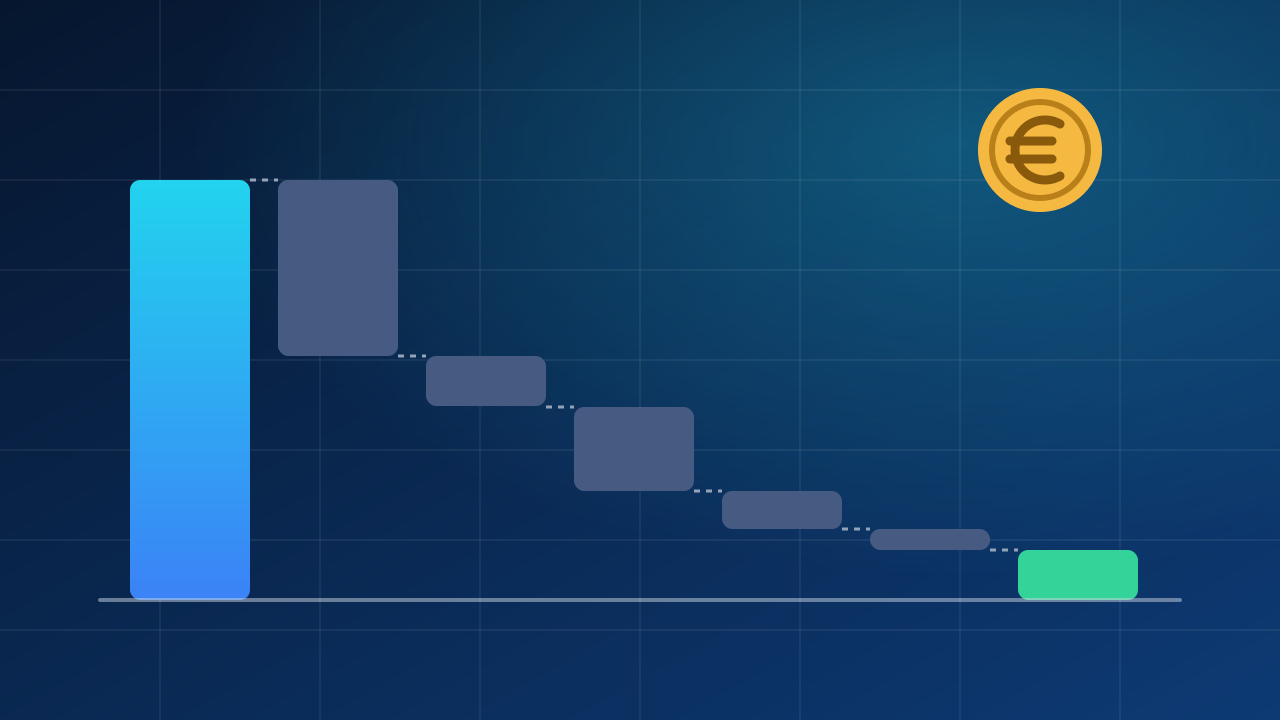
How to calculate real profit per product on marketplaces
Find what you really keep from each marketplace sale: fees, shipping, packaging, ads and returns, with a worked example and a break-even price.
Photos and illustrations
- How to use AI in a small shop. Workflow illustration; not a photograph of UBC premises or equipment. Studioarrangement for product photography and video 2298.jpg — © Hubertl / Wikimedia Commons — CC BY-SA 4.0. Resized and converted to WebP. This version of the photograph is available under CC BY-SA 4.0.
- Full cost per product: what goes into it and how to calculate it. Original illustration drawn in code by the UBC editorial team; no third-party material. CC0 1.0. Not a photograph of UBC premises or equipment.
- How to calculate real profit per product on marketplaces. Original illustration drawn in code by the UBC editorial team; no third-party material. CC0 1.0. Not a photograph of UBC premises or equipment.
